
HELP
How to use Kepler
Step-by-step guides with screenshots and a short video, on a TV with its remote and on a phone or tablet. Every step is walked on a device before it is written down, with Kepler’s fictional demo catalogue on screen.
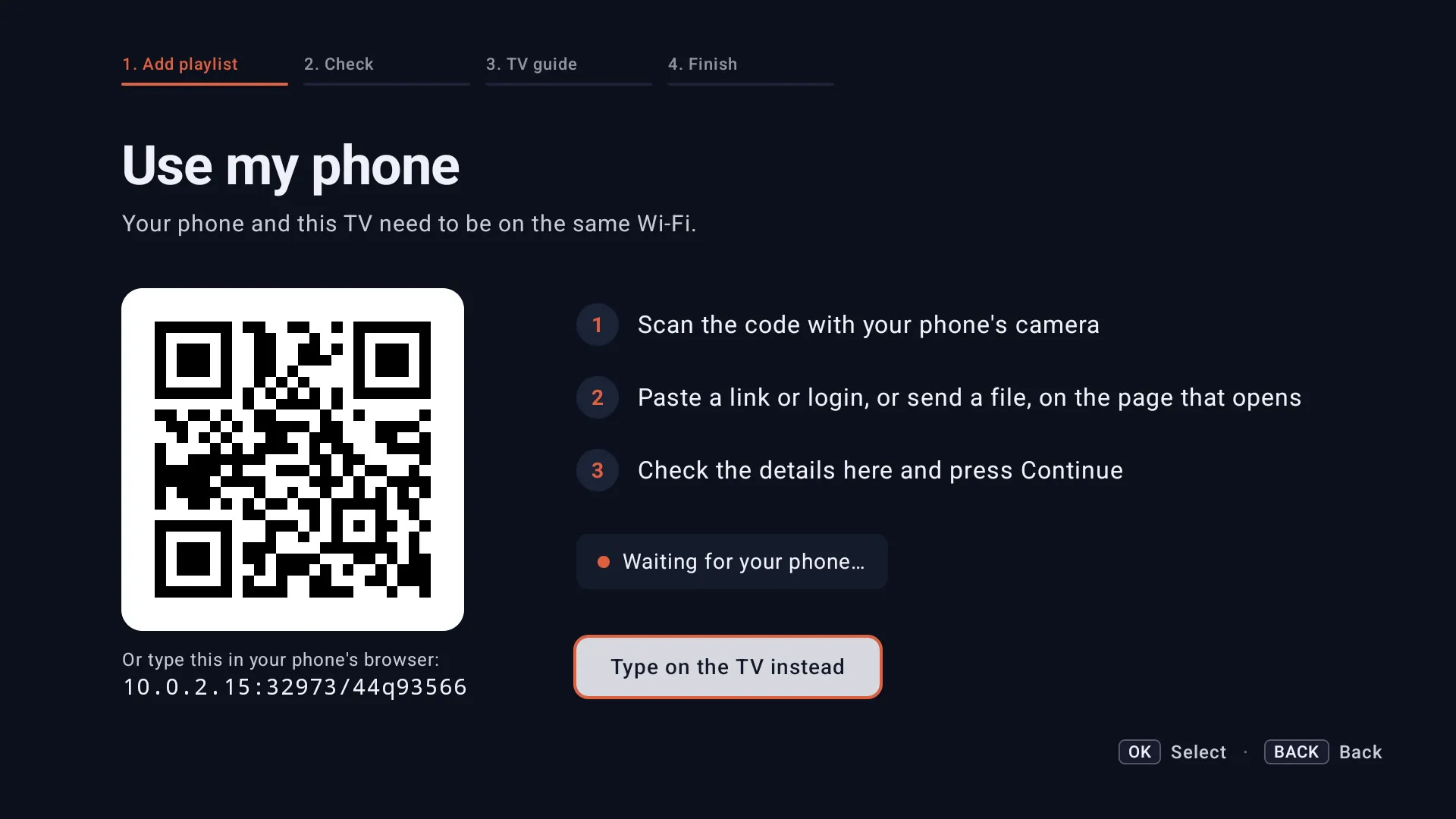 4:45 video Start here
 Add your Xtream Codes or M3U playlist to Kepler
Use Kepler as your Xtream IPTV player. Add your Xtream Codes login, M3U link or M3U file on Android TV, Google TV, a phone or a tablet, step by step.-
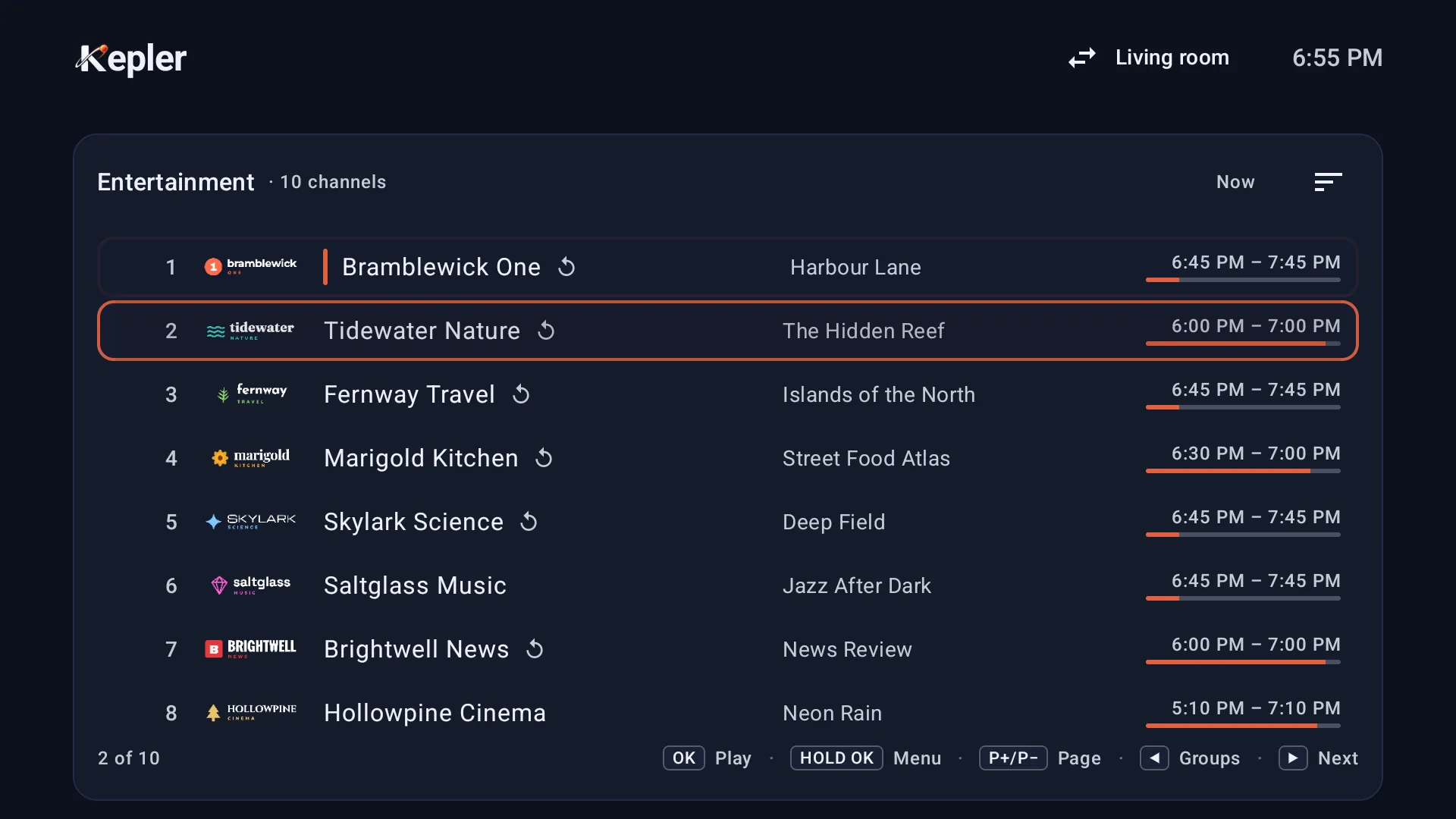 5:24 video Watch
 Watch live TV: change channels, the banner, multiview and search
Watch live channels in Kepler on a TV or a phone: every way to change channel, the banner, multiview with up to four channels at once, and search. -
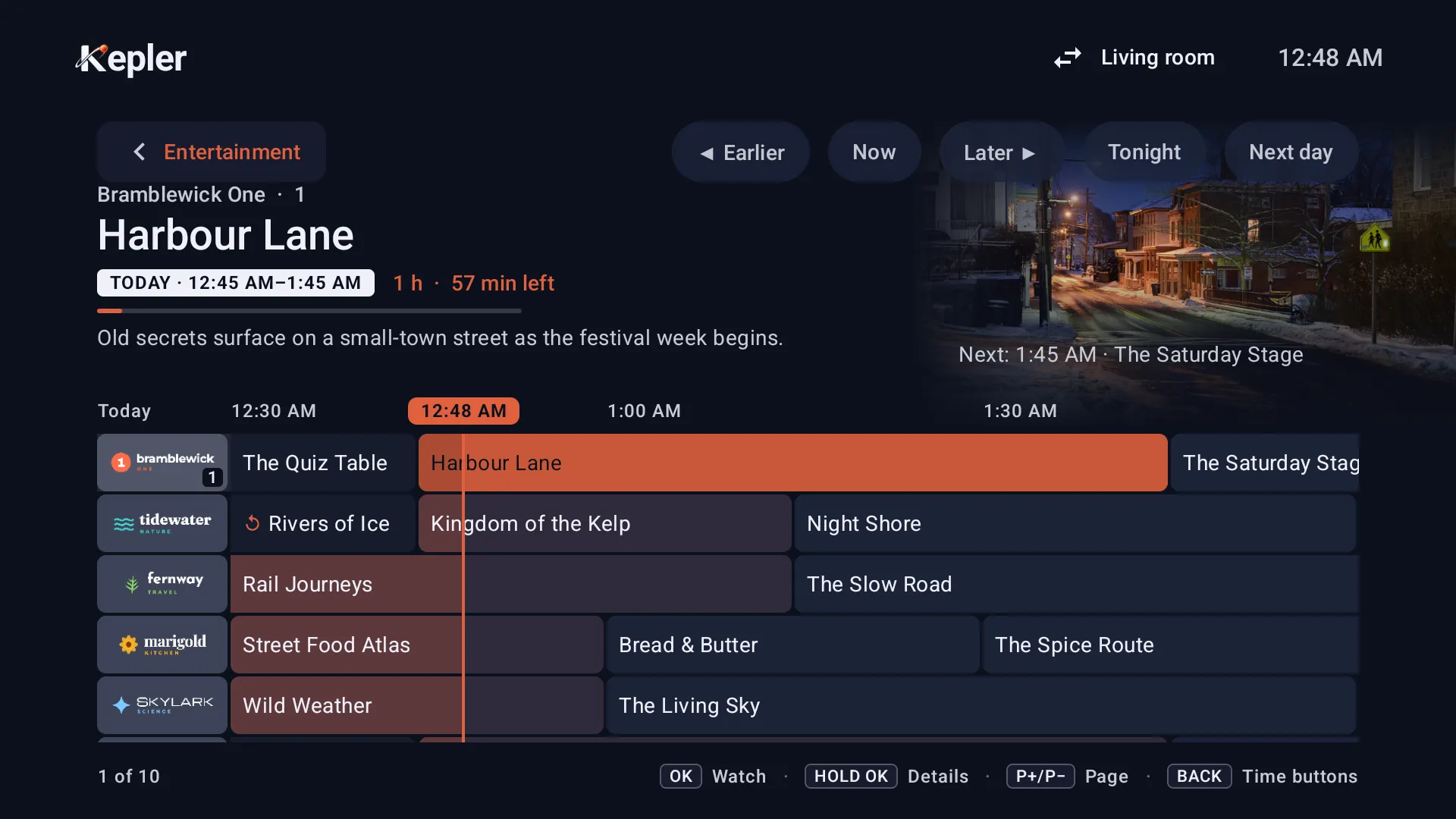 5:10 video Watch
 Add a TV guide (EPG) to your IPTV playlist
How Kepler gets the TV guide (EPG) for your IPTV playlist, how to add an XMLTV guide of your own, and what to do when the guide is empty or wrong. -
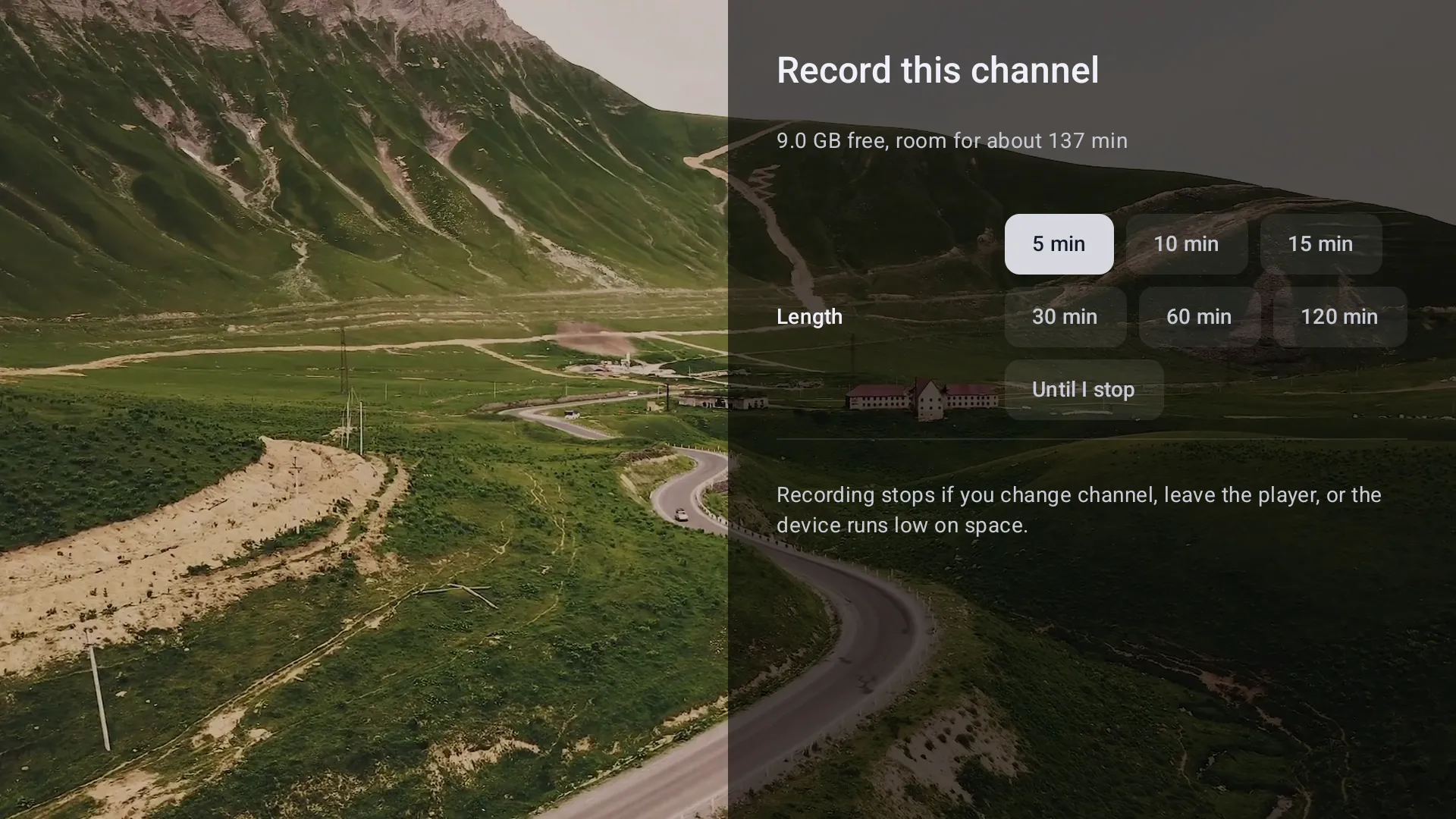 3:19 video Watch
 Record live TV with Kepler
Record IPTV with Kepler on a TV or a phone, book programmes from the TV guide, and keep recordings on the TV, a USB drive or a network folder. -
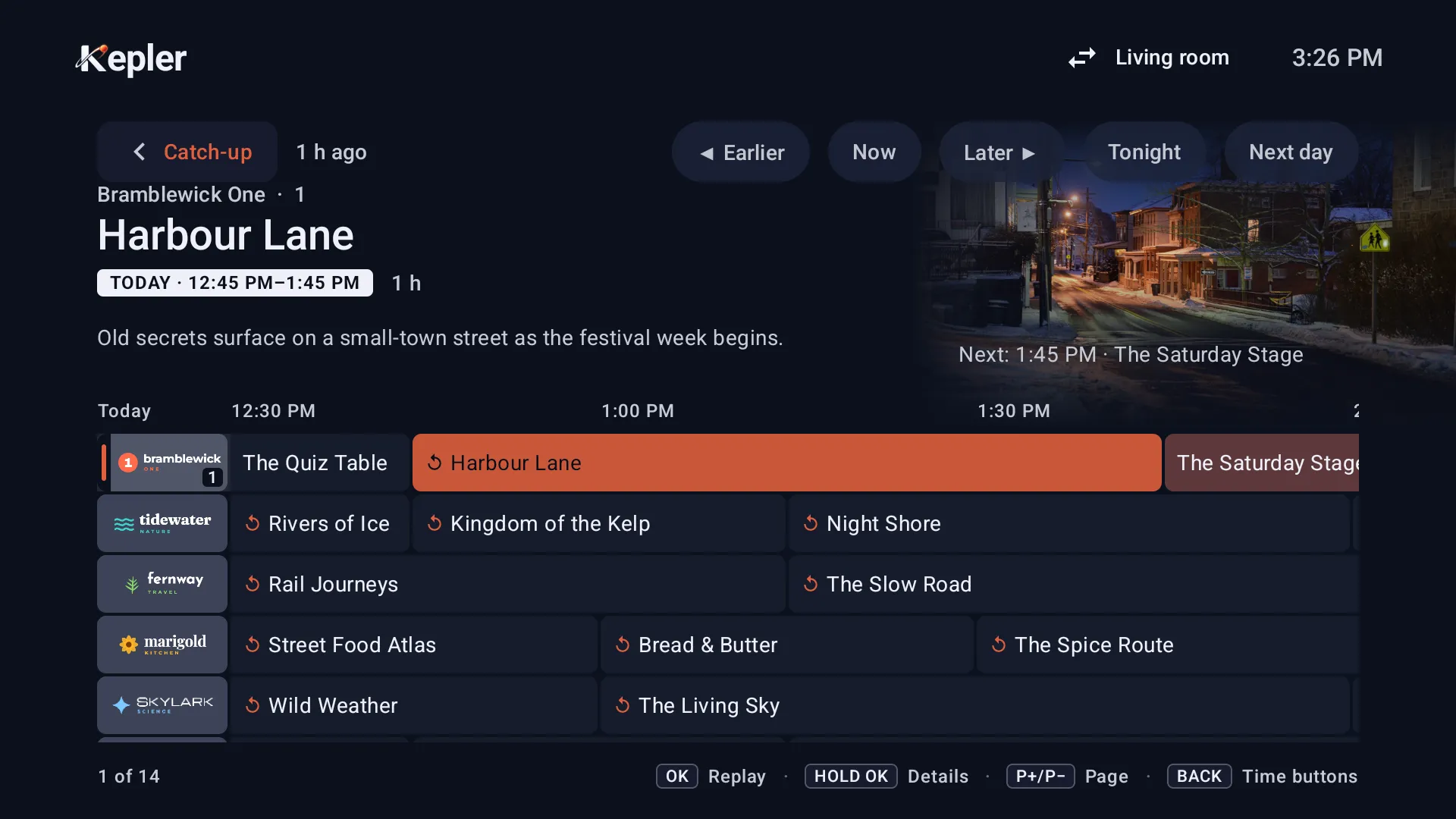 2:20 video Watch
 Watch catch-up TV
How to use IPTV catch-up in Kepler, replay a programme that has ended, watch what is on now from its start, and fix catch-up that doesn’t play. -
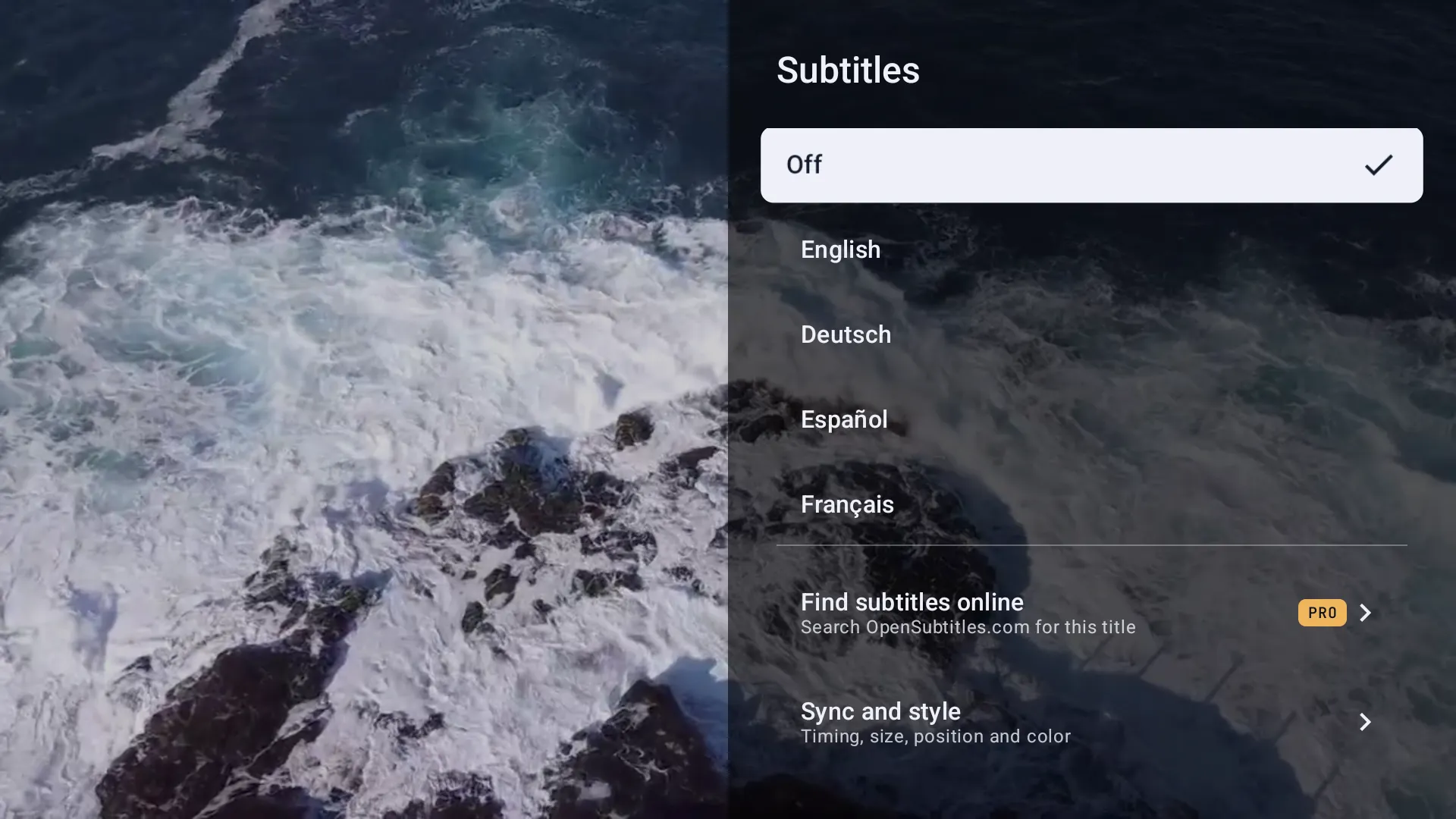 6:02 video Watch
 Subtitles and audio in Kepler
Turn on IPTV subtitles in Kepler on a TV, Fire TV Stick or phone, choose the audio track, change their size, colour and sync, and find subtitles online. -
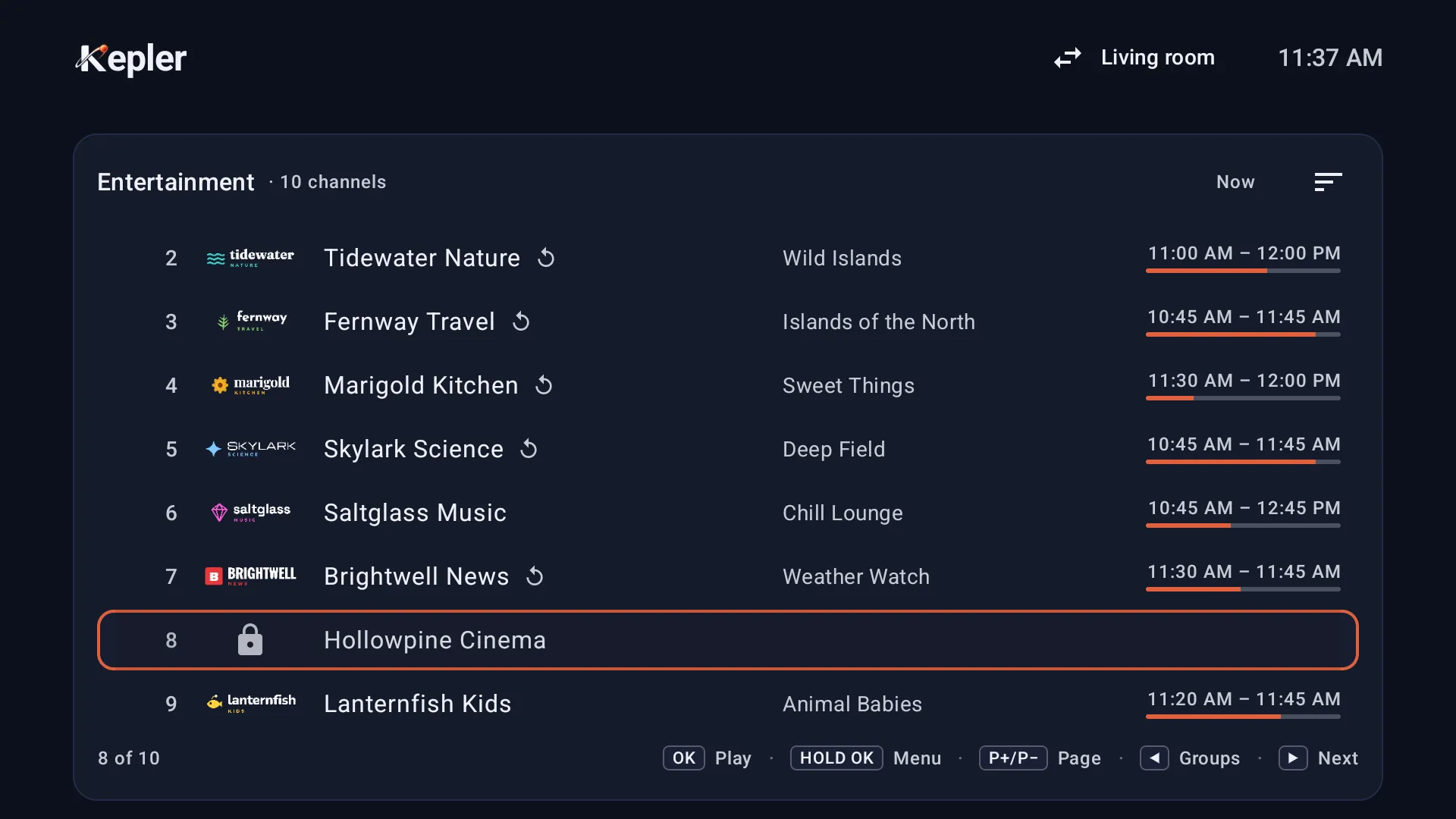 3:28 video Make it yours
 Parental control: set a PIN and lock channels
Kepler has no default parental PIN. Choose your own, lock channels, groups, films and shows, and see what to do if you forget it. -
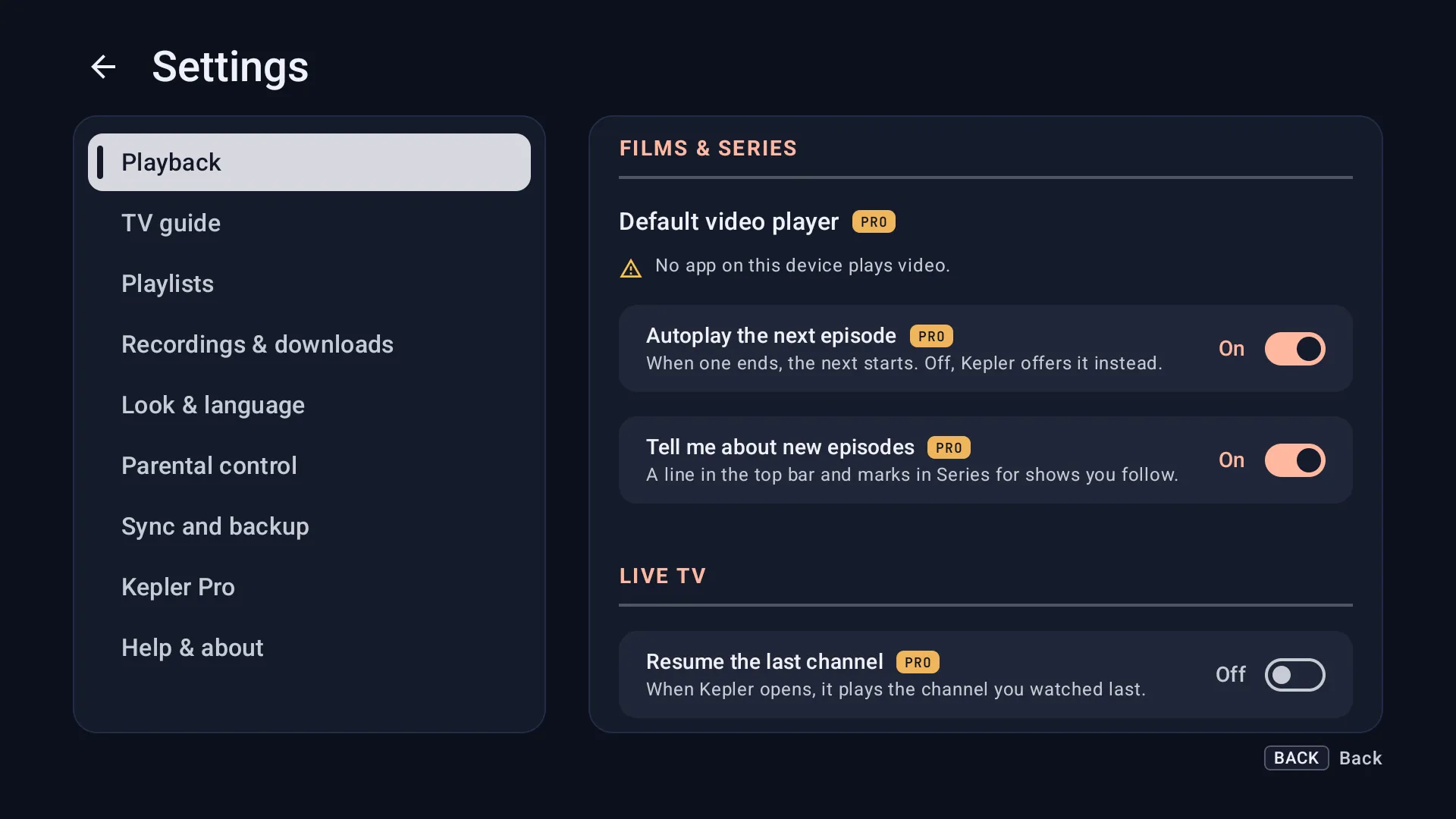 4:57 video Make it yours
 Every Kepler setting explained
What every setting in the Kepler IPTV player does on Android TV, Google TV, phones and tablets, from playback and the TV guide to recordings and backups. -
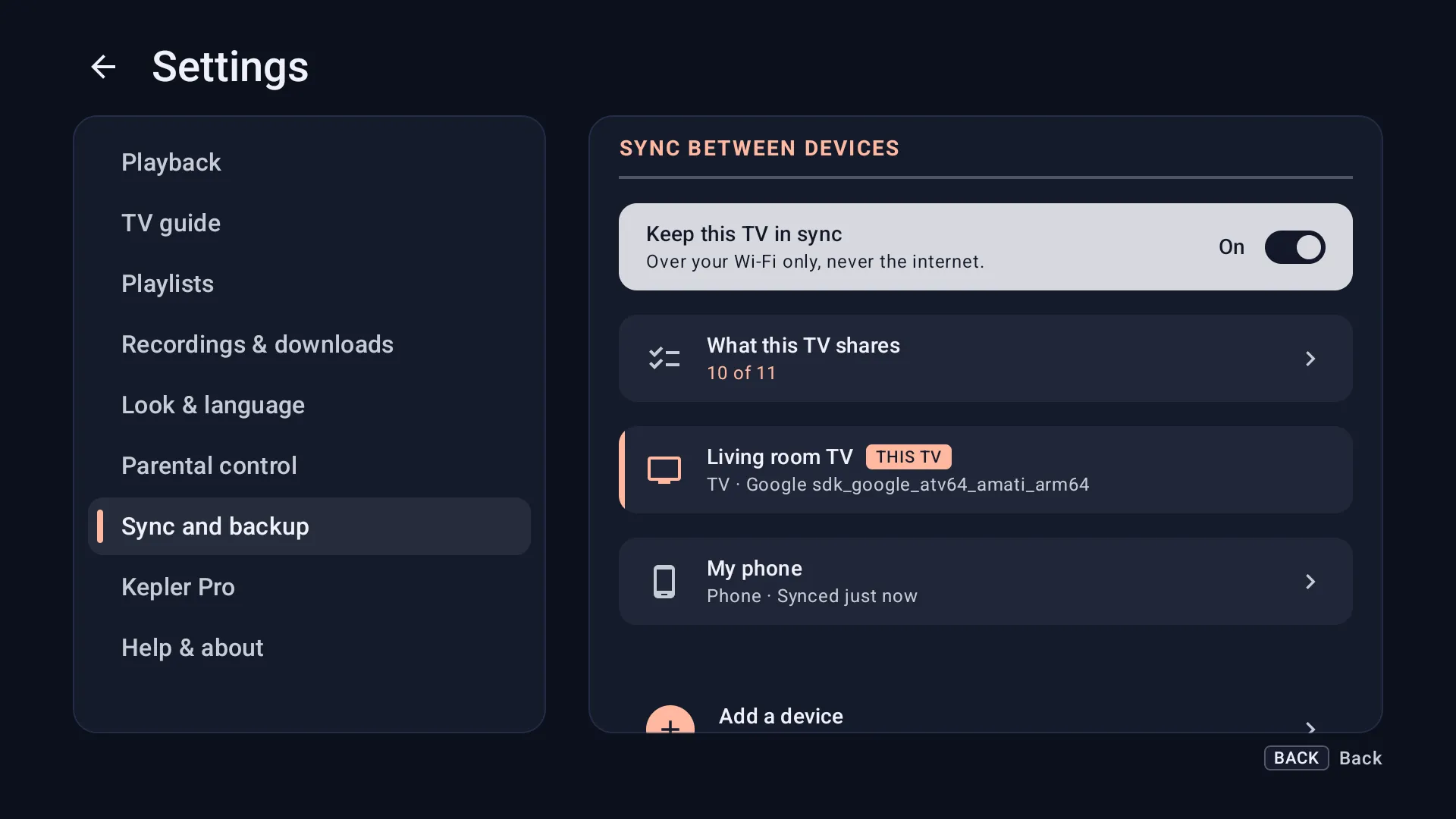 4:14 video Your devices and Kepler Pro
 Kepler on several devices, sync and backup
Use IPTV on multiple devices with Kepler. Sync playlists, favourites and settings between your TVs and phones, back up your setup, and move to a new TV. -
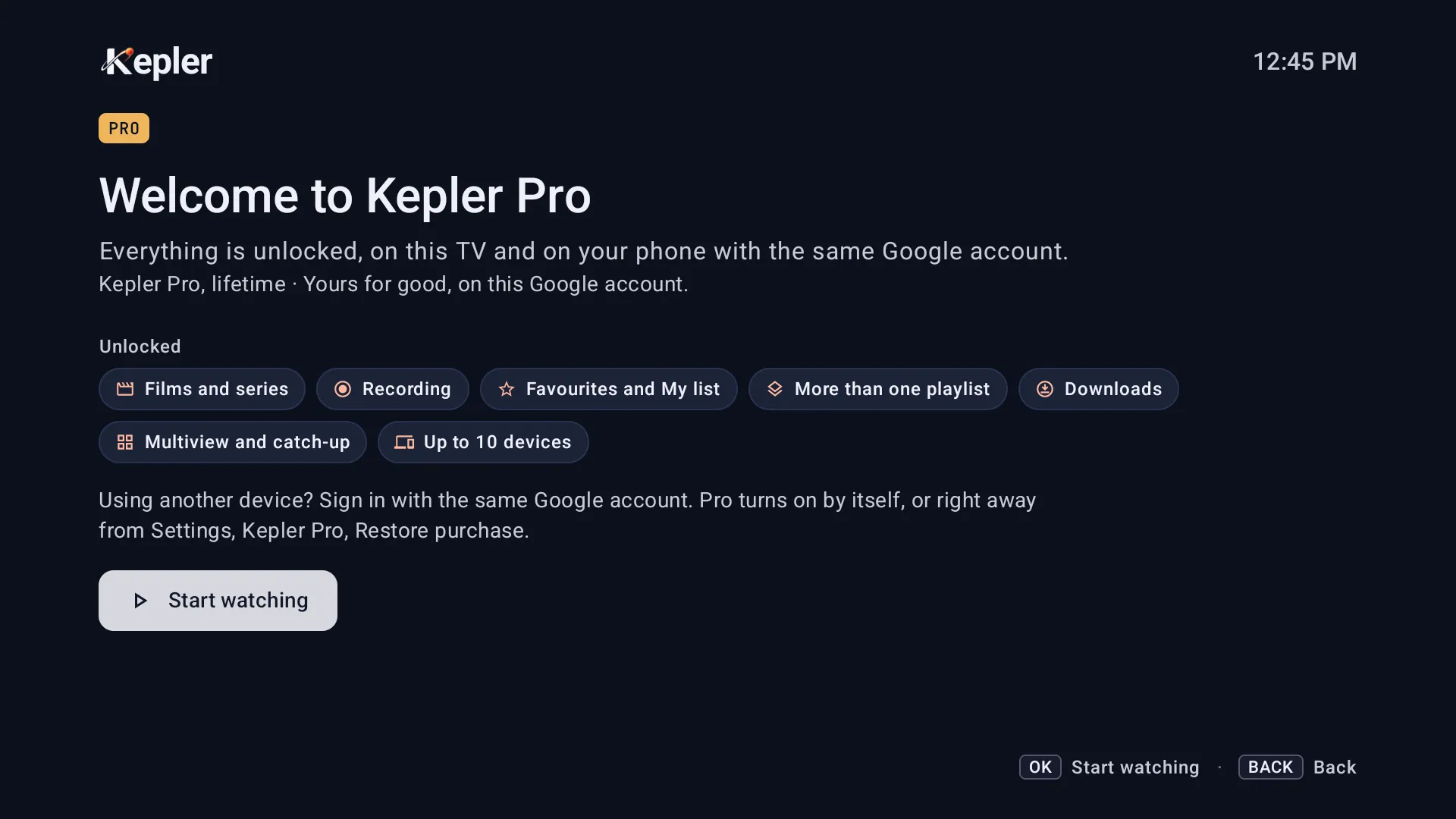 2:41 video Your devices and Kepler Pro
 Kepler Pro: trial, buying, restoring and your 10 devices
What Kepler Pro adds, how the 30-day free trial works, how to buy and restore it on a TV or a phone, and how one purchase covers 10 devices. -
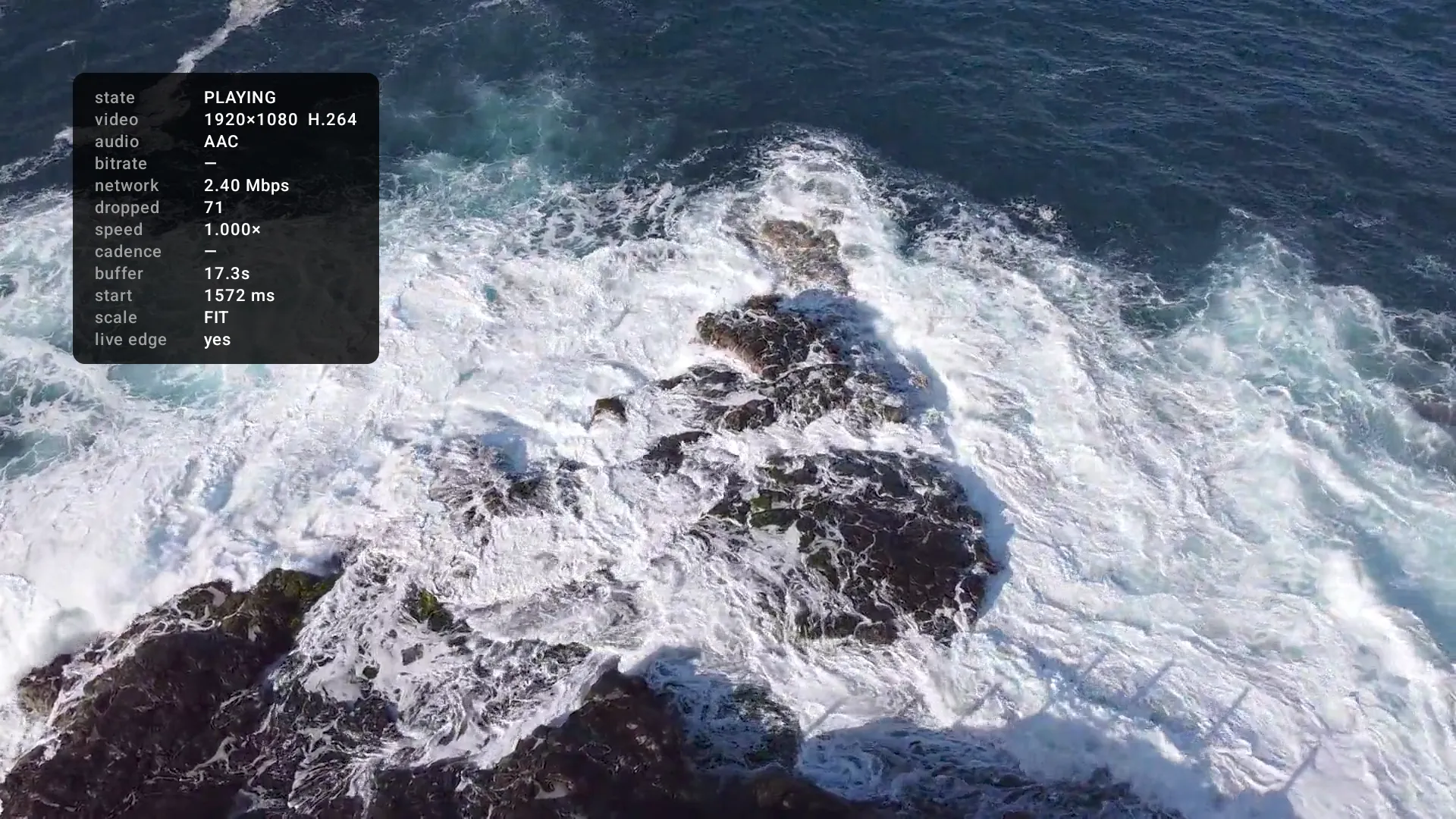 1:53 video Fix a problem
 Fix IPTV buffering and freezing
Why IPTV keeps buffering or freezes, how to see where it comes from in Kepler, and what helps on Android TV, Google TV, Fire TV boxes and phones. -
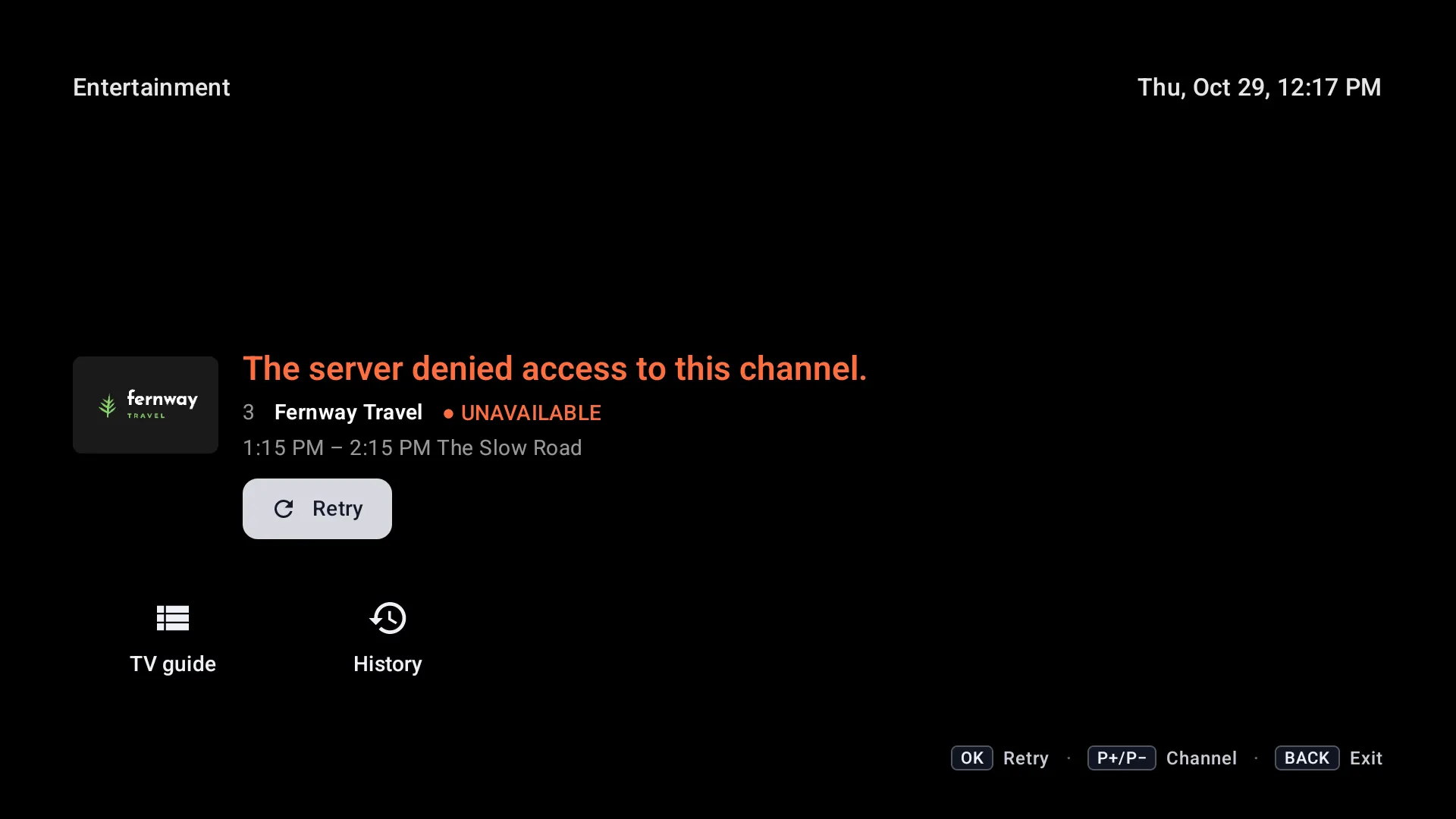 2:54 video Fix a problem
 IPTV not working: a playlist that won’t load, a channel that won’t play
IPTV not working in Kepler? Find the message you see, from a refused login to a channel the server denies, and what to do about each one.

Ready when you are.
Install Kepler from Google Play, add your playlist, and be watching in under two minutes. If you would rather read the steps first, here is how to add an Xtream Codes or M3U playlist.
GET IT ONGoogle Play
COMING SOON TOiPhone, iPad & Mac