Kepler turns any Xtream Codes or M3U playlist into a fast, elegant streaming experience. Live TV with a real guide, movies and series with rich artwork, on your television and in your pocket.
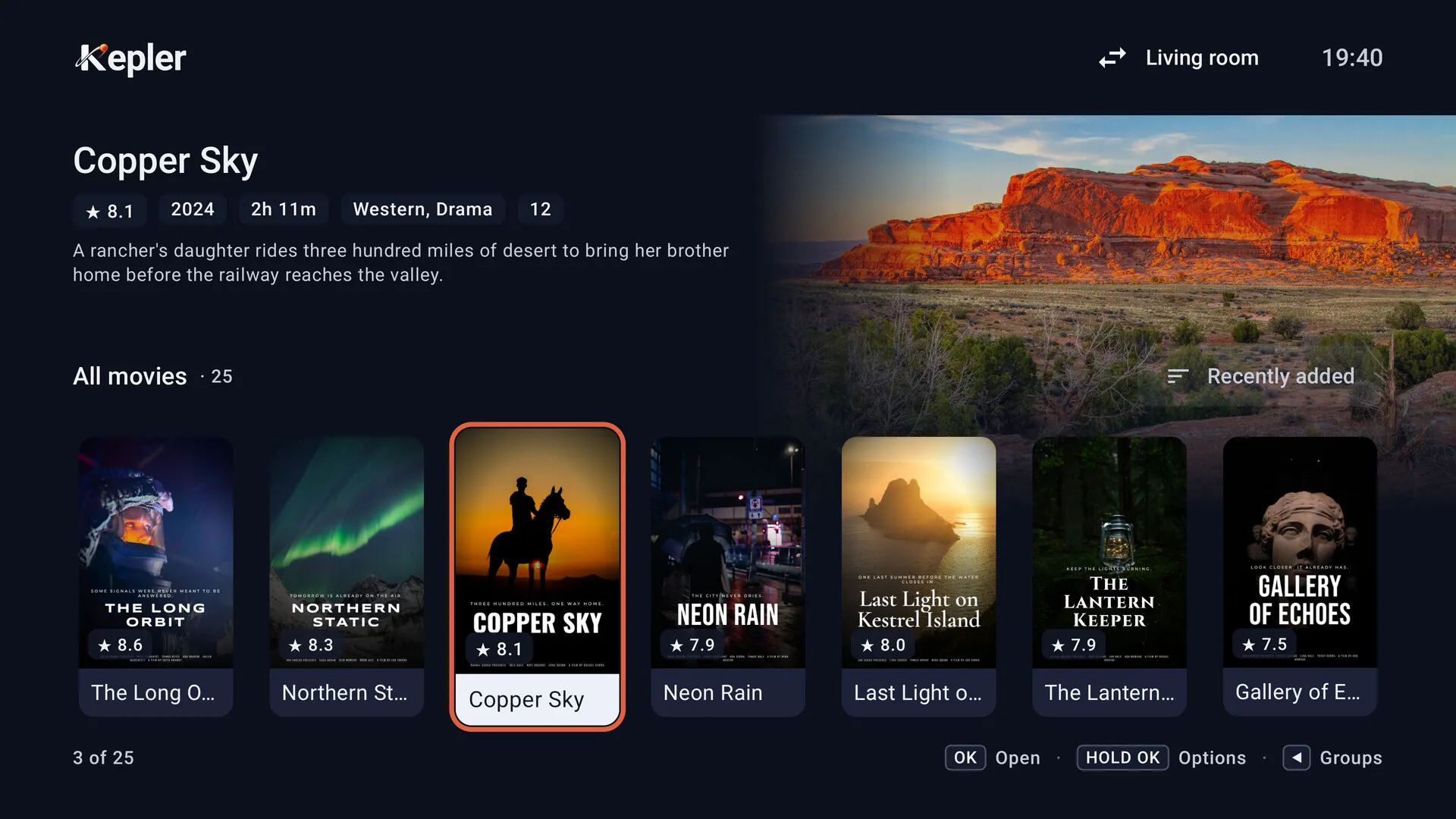
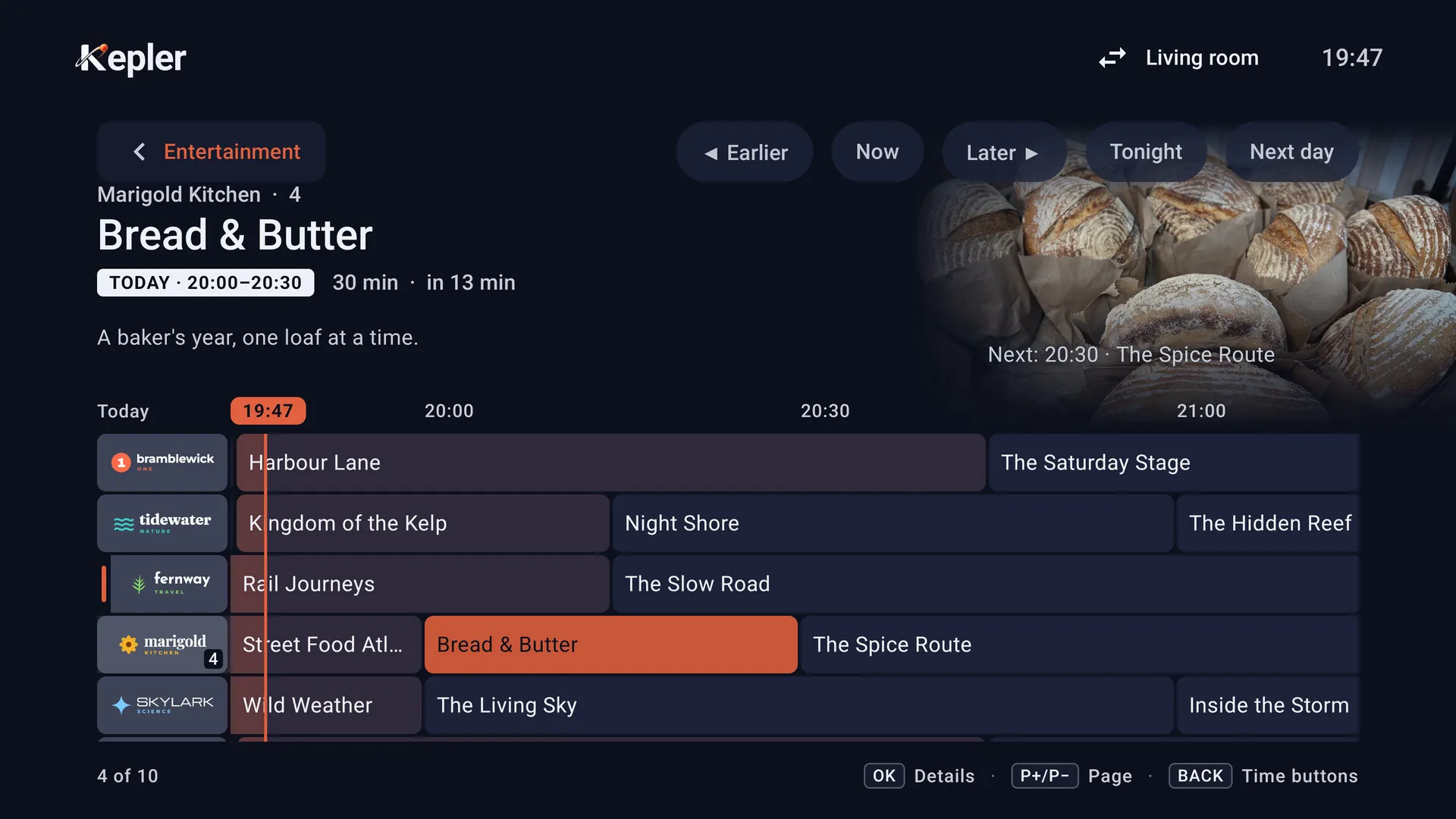
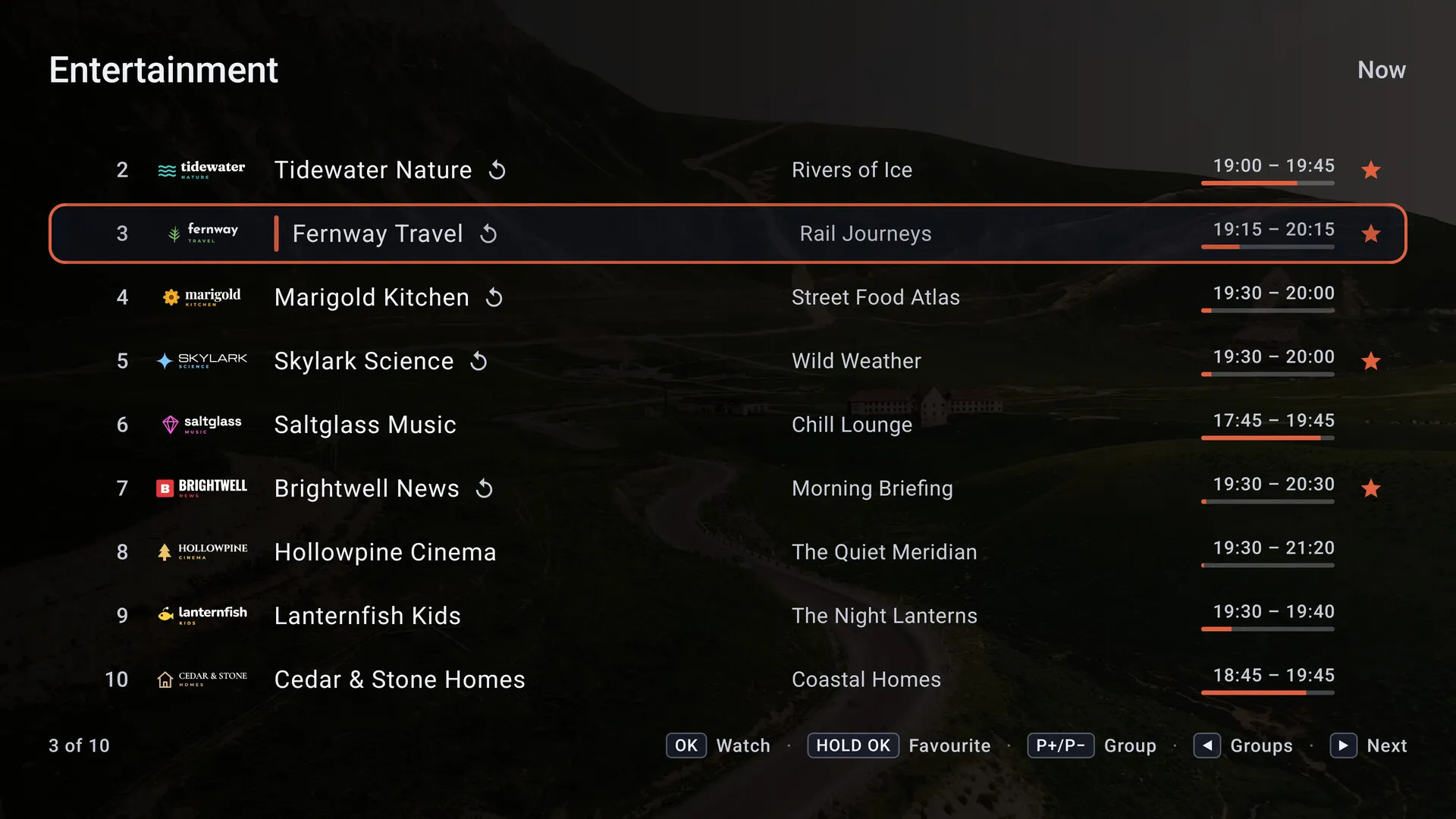
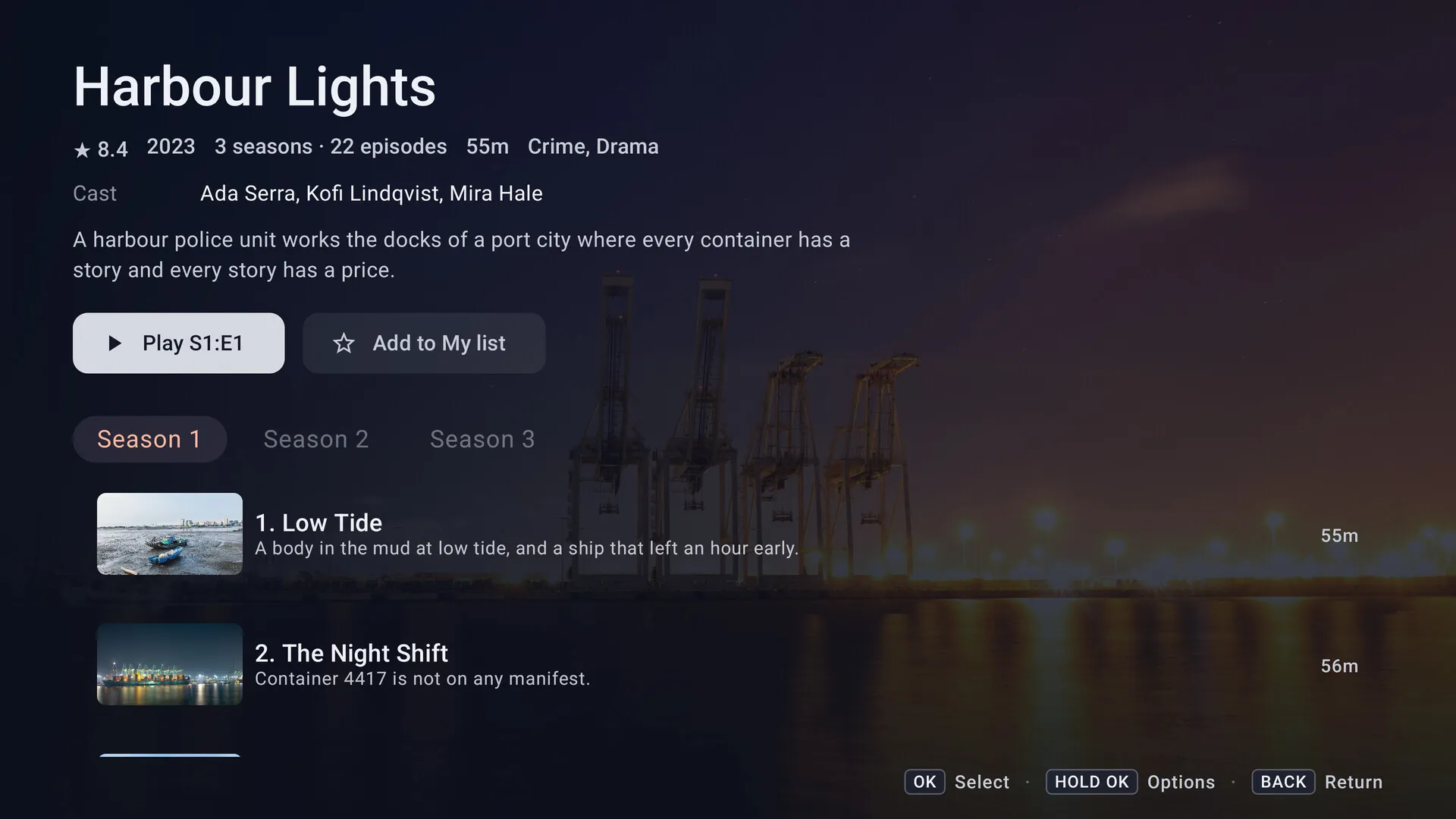

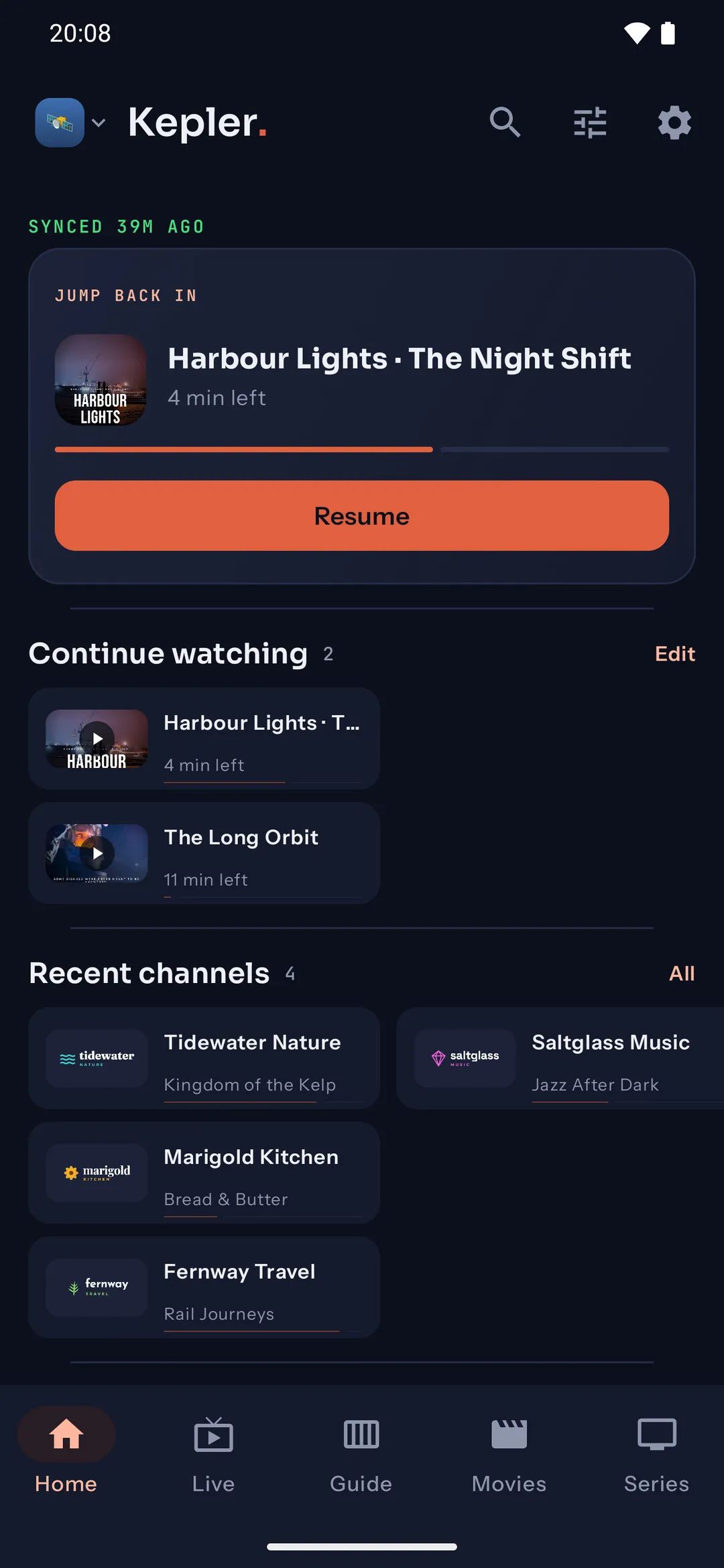
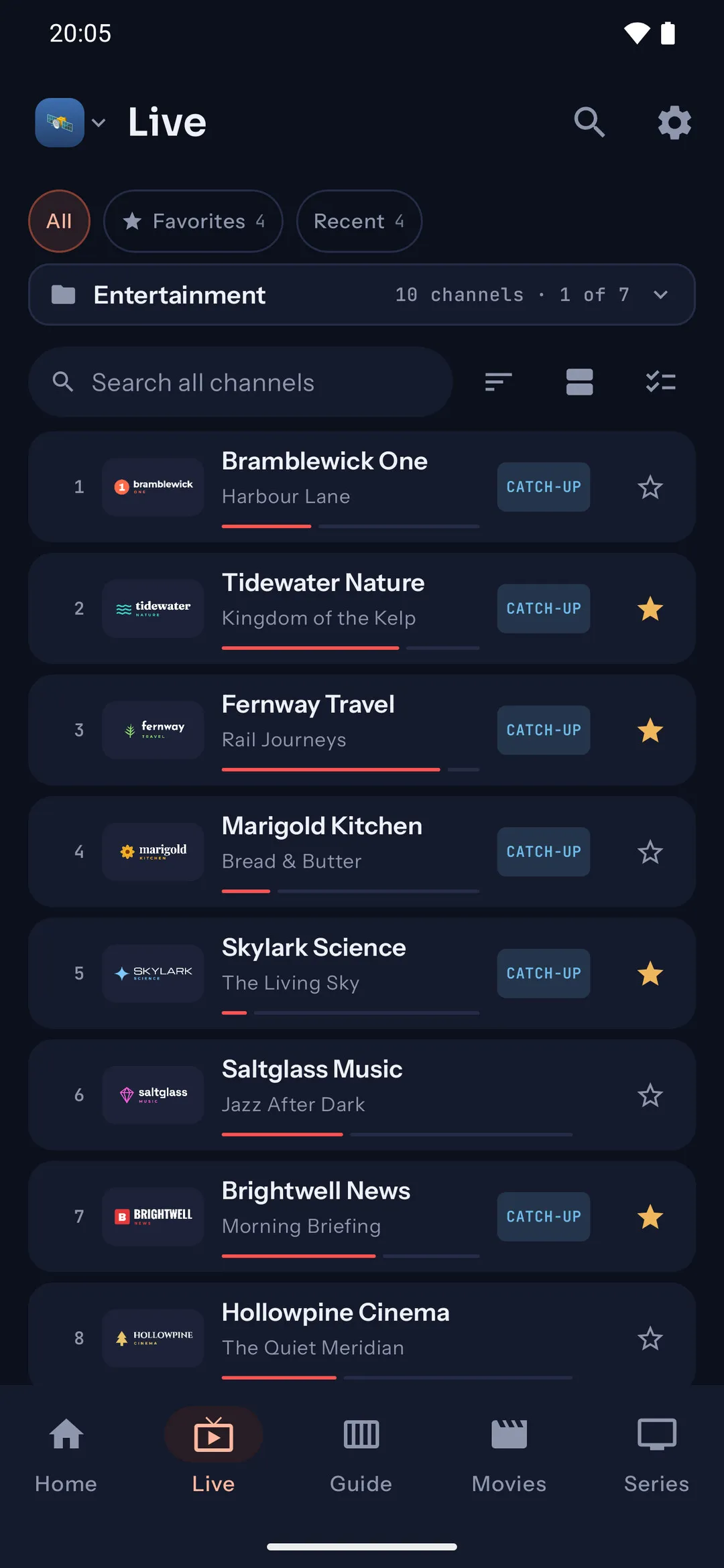
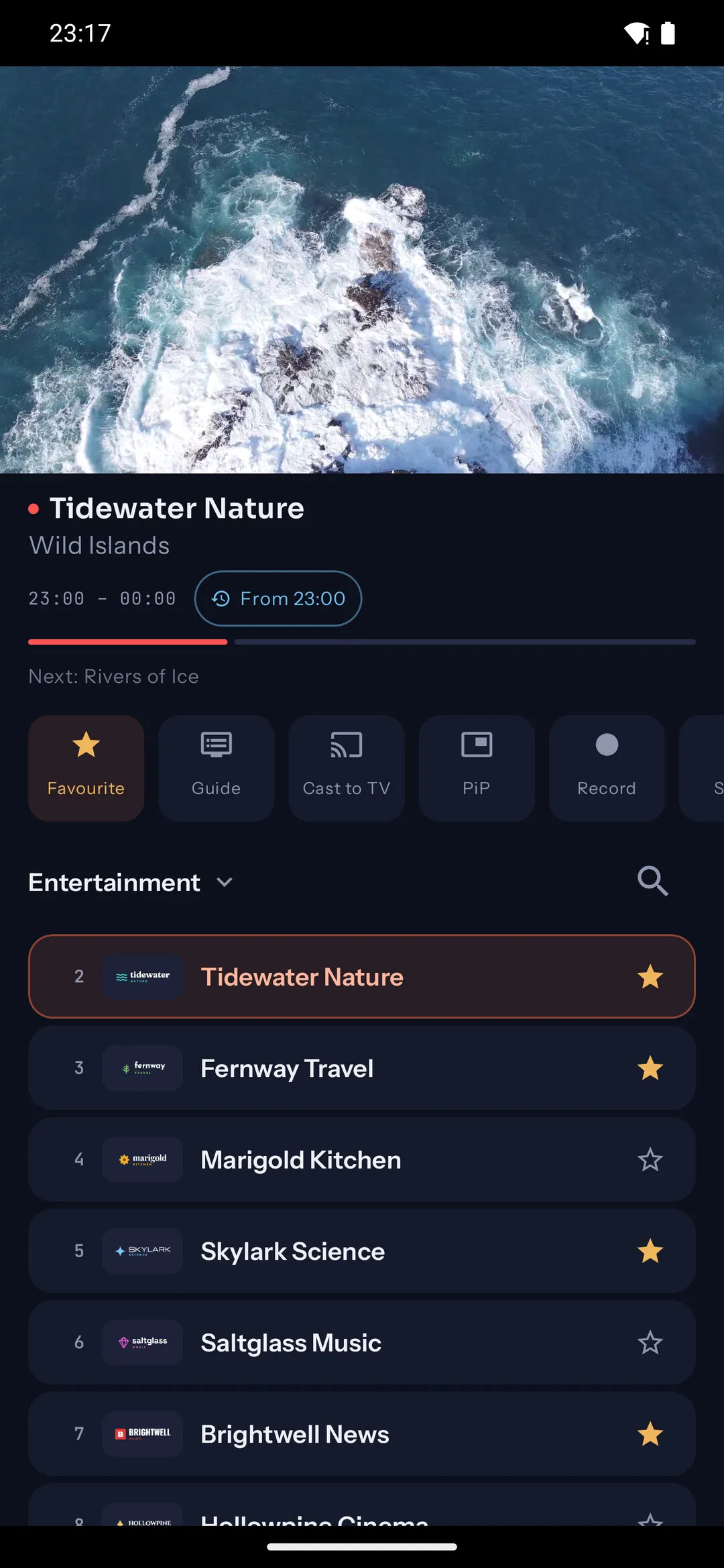
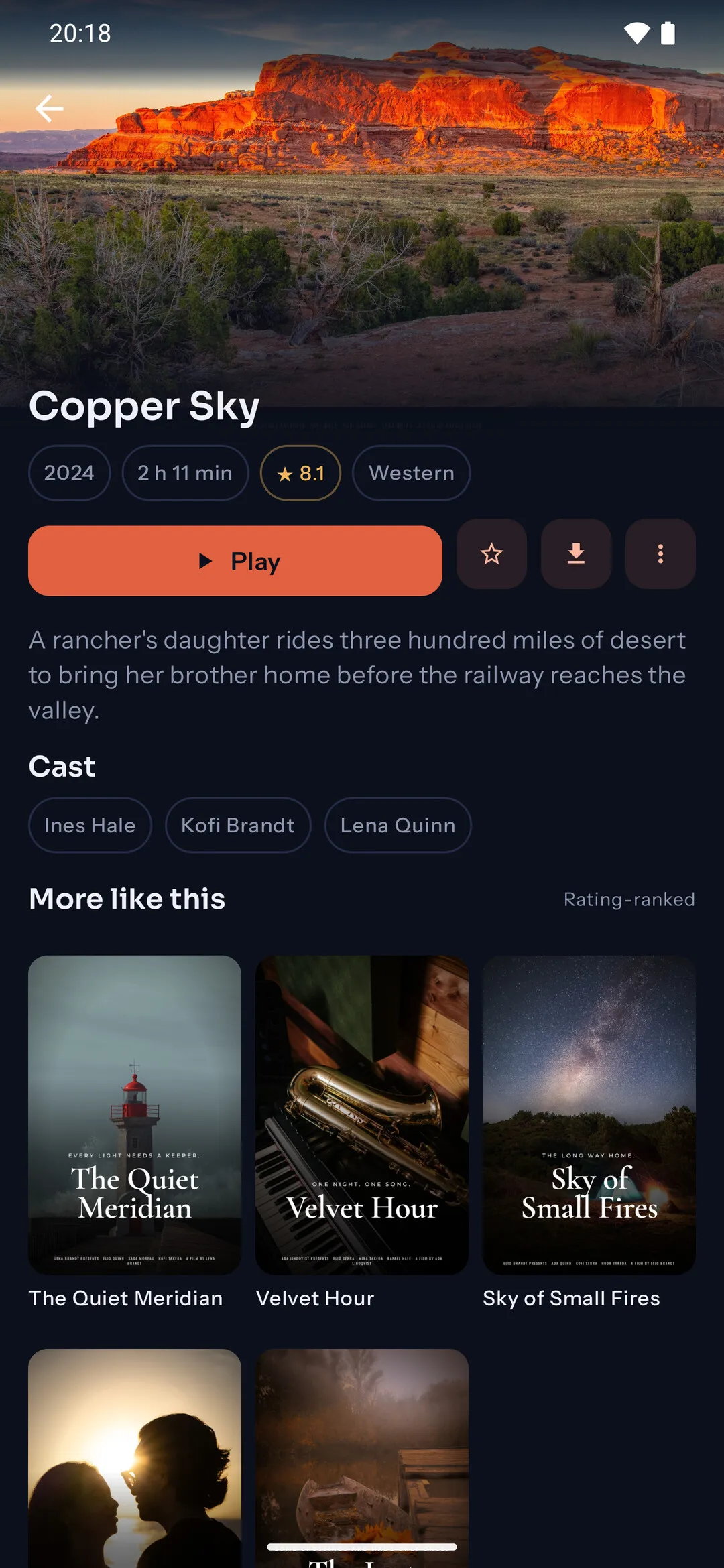
37 seconds of Kepler filmed on a TV, a tablet and a phone: the guide, live channels, setup from your phone, catch up and recording, multiview, films and series.
Most IPTV apps are phone apps stretched to a TV. Kepler was built the other way around, screen by screen, for the remote in your hand.
Every screen is built D-pad first. Focus never gets lost, and groups, the guide and search are always one key away.
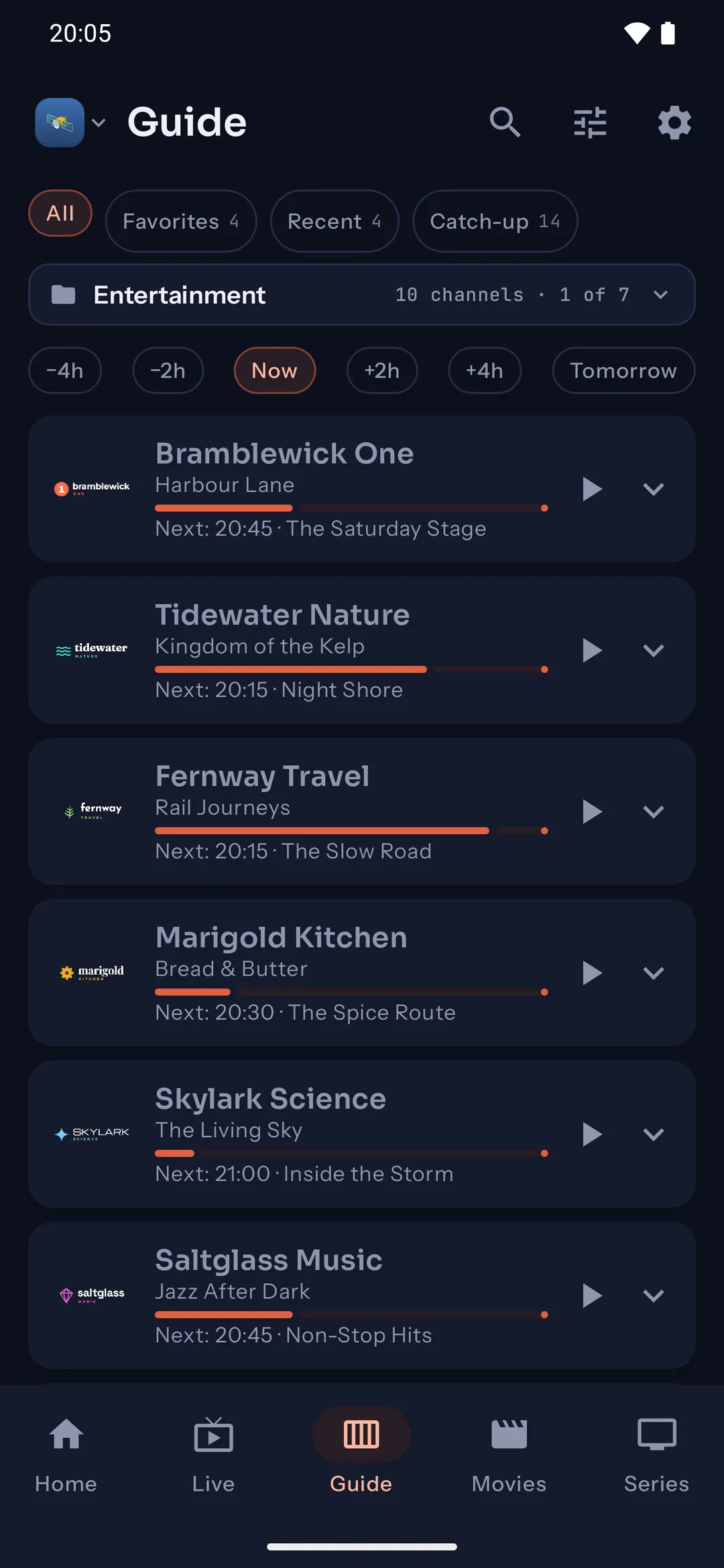
Full EPG with now and next on every channel, and a timeline grid you can sweep across without waiting.
Missed it? On channels with an archive, jump back in the guide and watch what already aired.
Record what you are watching with one press, or book a programme from the guide and it records start to end, even with the app closed.
No typing passwords with a remote. Scan the code on the TV, then paste your login or send a playlist file from your phone.
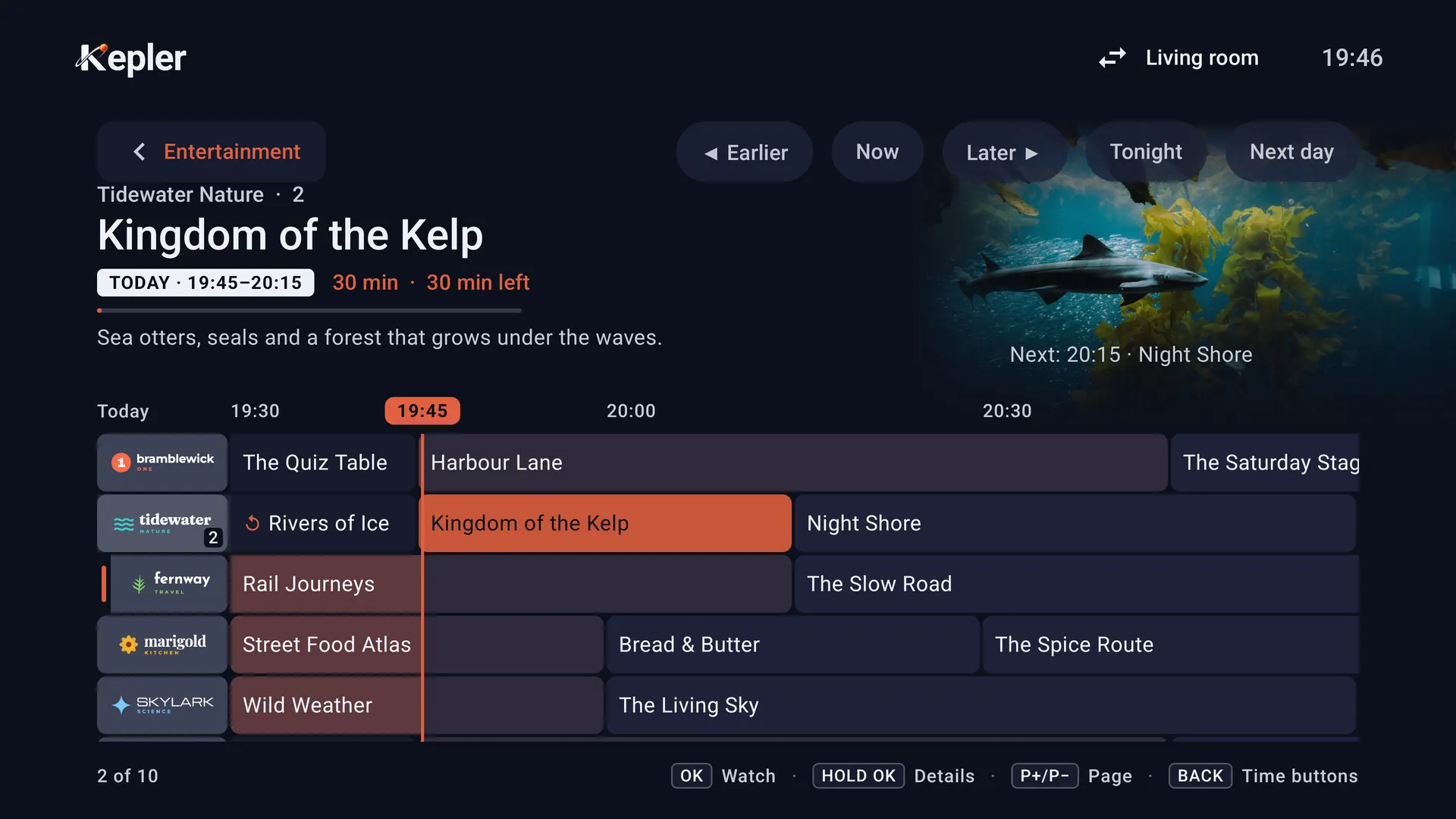
Sweep across tens of thousands of channels with the programme grid following you. On channels with catch-up you can scroll into the past and watch what already aired, and on your TV a recording booked from the guide runs start to end, even with the app closed.
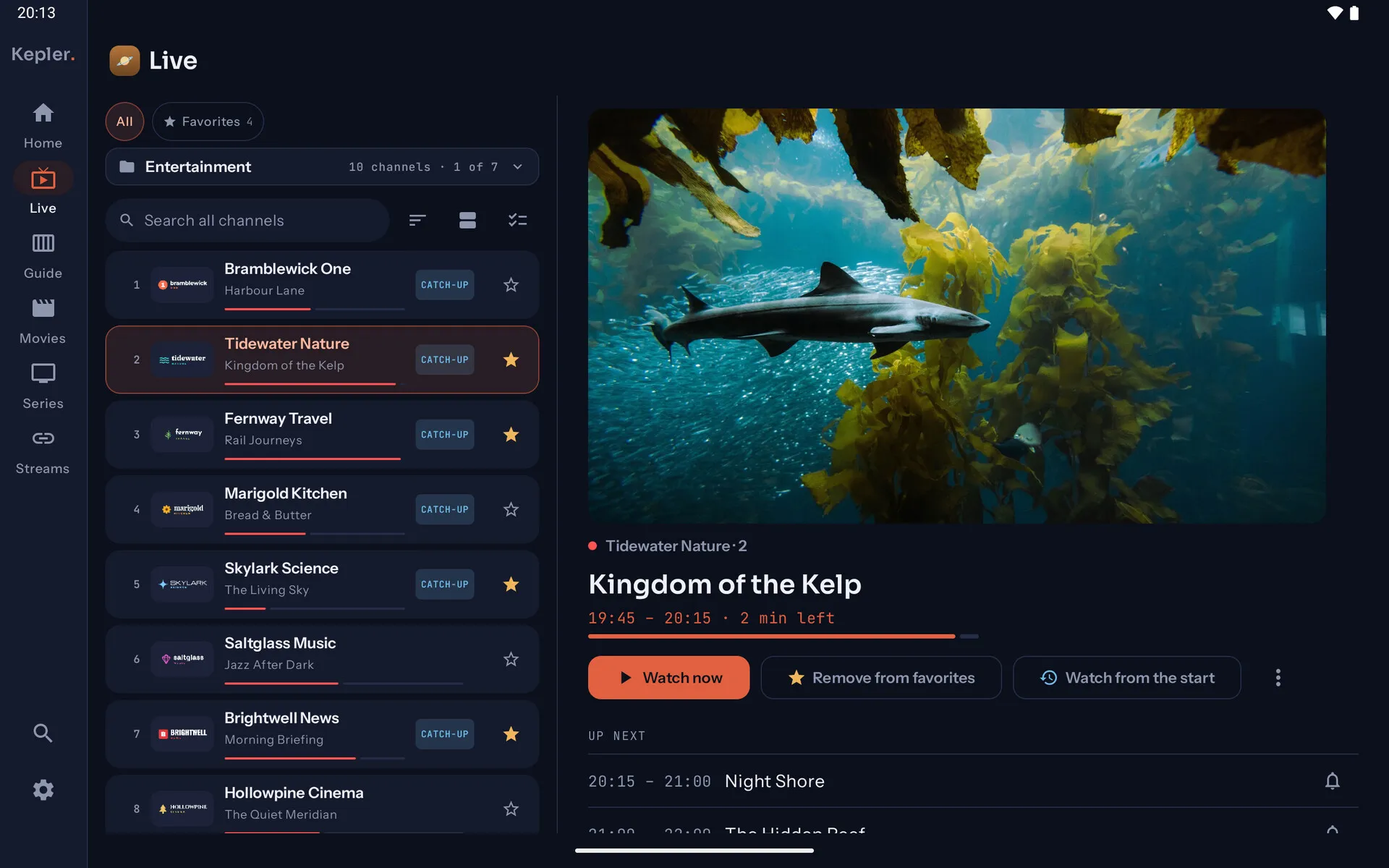
The same Kepler on your TV, tablet and phone, each with a layout of its own rather than one screen stretched to fit the others. Favorites and settings can follow you between them at home, with no account.
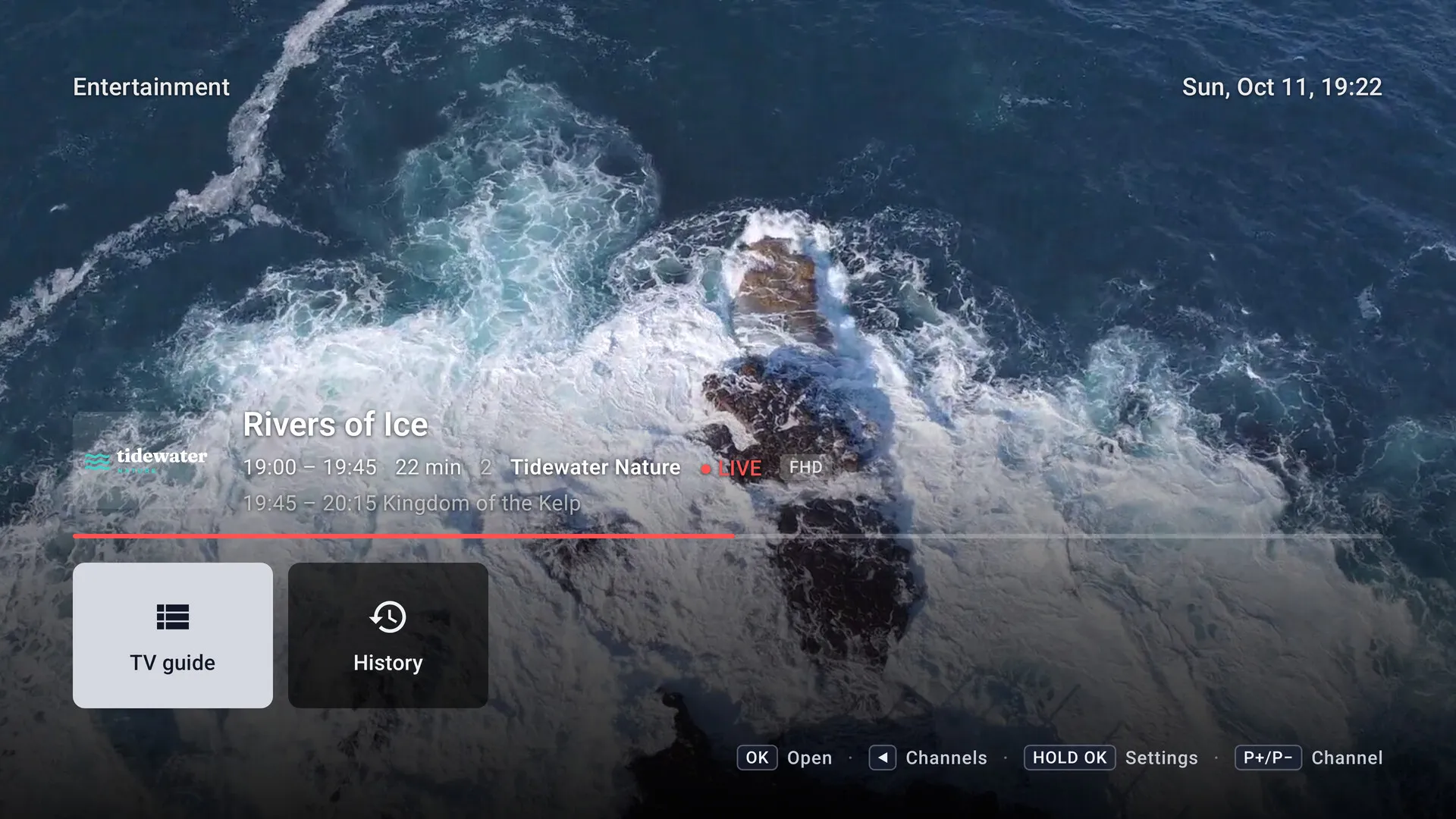
Built for the remote: a guide that keeps up, multiview, and recordings booked from the guide.
Two panes side by side: the channel list beside the channel, the groups beside the films.
Touch, picture in picture, Cast to your TV, and downloads to watch offline.
One search across channels, films, series and the guide, ranked the way you expect. Type three letters, get the channel.
Pin what you love, build your own groups, and hide the ninety categories you never open. Your catalog, your order.
Ask Kepler to ping you a few minutes before kick-off. Reminders survive reboots and app updates.
On your phone, send live channels and films to a Chromecast with one tap, then pick playback back up when you are done.
Lock whole groups or single titles behind a PIN. What is locked stays locked, through every playlist refresh.
Xtream Codes, M3U links and M3U files, even from a USB stick, side by side. Each keeps itself up to date once a day, if you like.
Keep the two groups you watch and hide the other ninety-eight. Bulk select, hide and lock, right from the couch.
Every film and episode remembers where you stopped, with resume bars right on the posters.
Posters, backdrops, cast, genres, trailers and season guides, filled in automatically from your provider.
Save films and episodes to watch on the plane or anywhere the signal drops. Over Wi-Fi only, unless you say otherwise.
On your TV, watch two, three or four live channels at once. Every match of the evening, one screen.
English, French, German, Spanish, Italian, Dutch, Portuguese, Turkish, Russian and Arabic, right to left included.
Measured on release builds against a real catalog of about 250,000 channels, films and series. The catalog refresh on an Android TV, everything else on an Android phone.

Install Kepler from Google Play, add your playlist, and be watching in under two minutes. If you would rather read the steps first, here is how to add an Xtream Codes or M3U playlist.
No. Kepler is a player, nothing more. It does not sell, provide or link to any channels, streams or subscriptions. You add a playlist from your own provider, and Kepler makes it shine.
Xtream Codes logins, M3U links and M3U files, including files on a USB stick, with programme guides in XMLTV format. You can add extra guide sources, keep several playlists side by side, and on a phone play a single stream link without any playlist at all.
Add your playlist, step by stepAndroid TV and Google TV boxes and televisions, and Android phones and tablets running Android 7.0 or newer. Versions for iPhone, iPad and Mac are coming soon.
No. On your TV, choose "Use my phone" and scan the code it shows. Paste your login, or send a playlist file, on the page that opens, and it goes straight to the TV over your home Wi-Fi.
See every step with picturesEnglish, French, German, Spanish, Italian, Dutch, Brazilian Portuguese, Turkish, Russian and Arabic, with a full right-to-left layout for Arabic. Pick one the first time you open the app, and change it any time in Settings.
Every setting explainedYes. Your playlists and logins stay on your device, and Kepler has no account, ads or analytics. It connects to the servers your playlist names, to TMDB for some film artwork, and to Google for casting and trailers. The privacy policy lists every connection and why.
Kepler is free to install, and every feature is open for your first 30 days. After that the free version keeps your first playlist with live TV, the TV guide and search, and Kepler Pro unlocks everything else, as a yearly plan or a one-time lifetime purchase. Google Play shows the price in your currency before you buy, and one purchase covers up to 10 Android phones, tablets and TVs on your Google account. Paying for Kepler pays for the player only: it never includes channels or a subscription to any provider.
